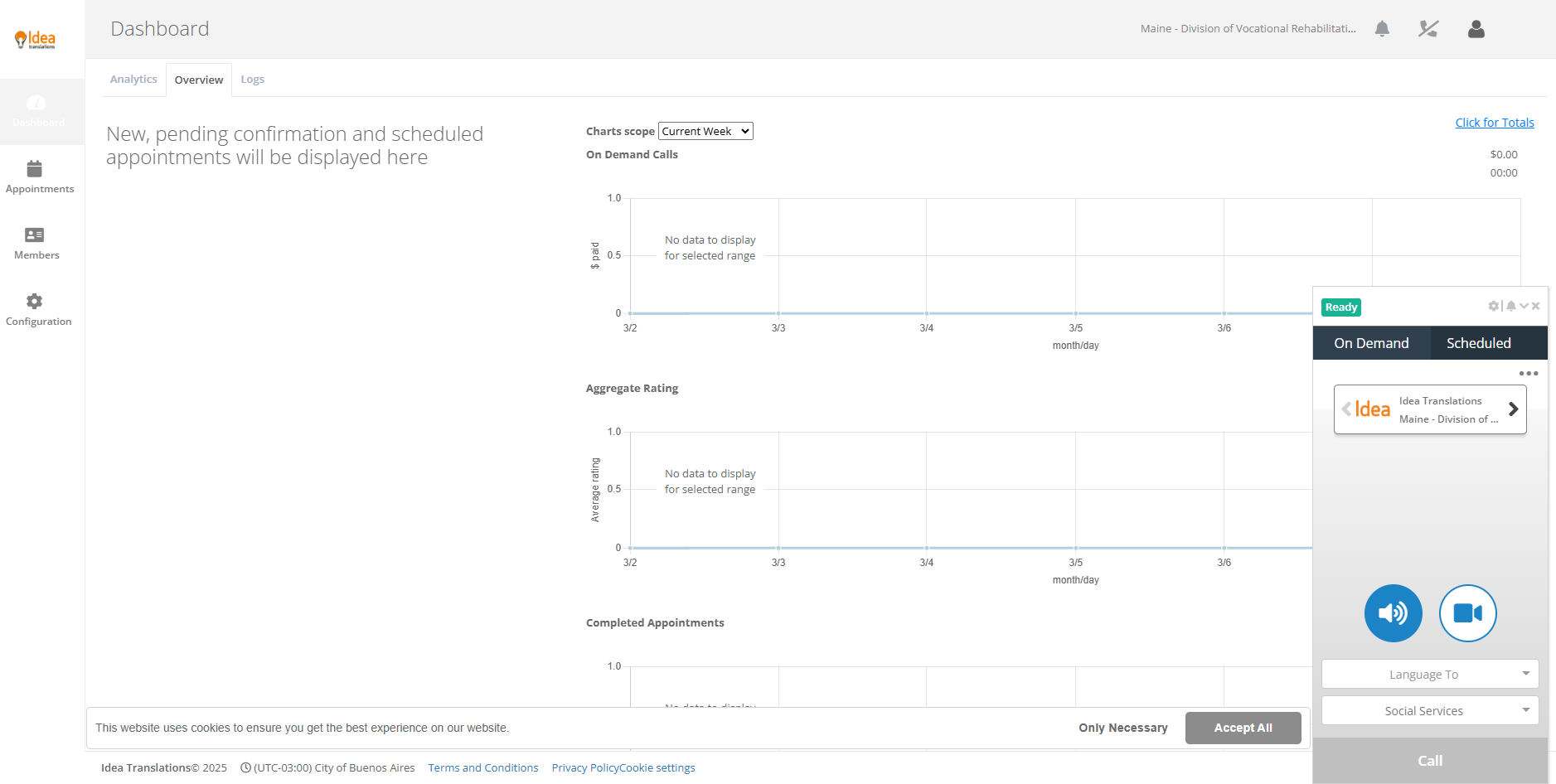
Logging into Iris
Please type onto your browser customers.ideatranslations.com. Then, you will see this webpage:
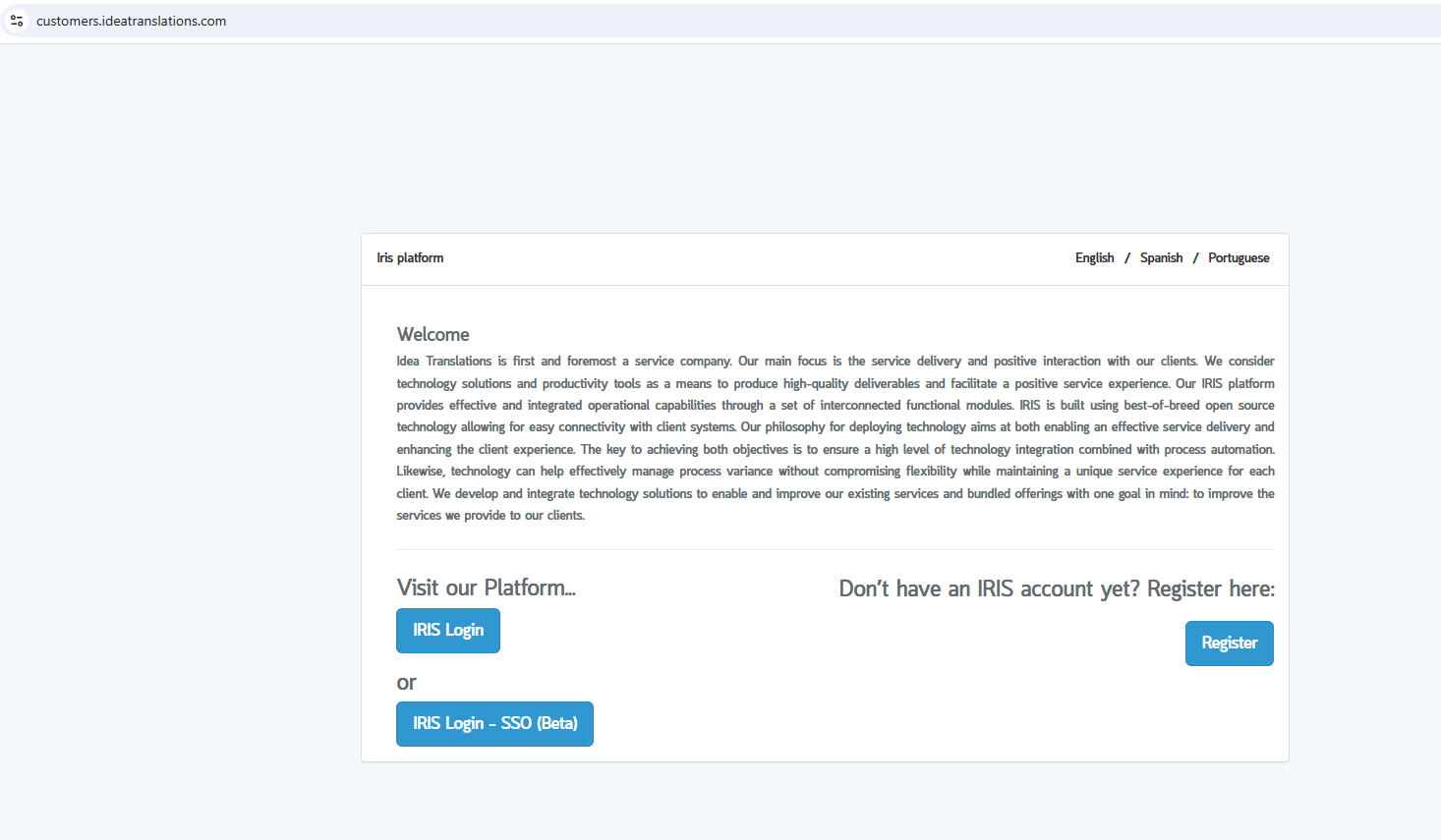
Now just clic on "Iris Login - SSO (Beta)". This screen will appear, prompting you to complete your user (email) and password:
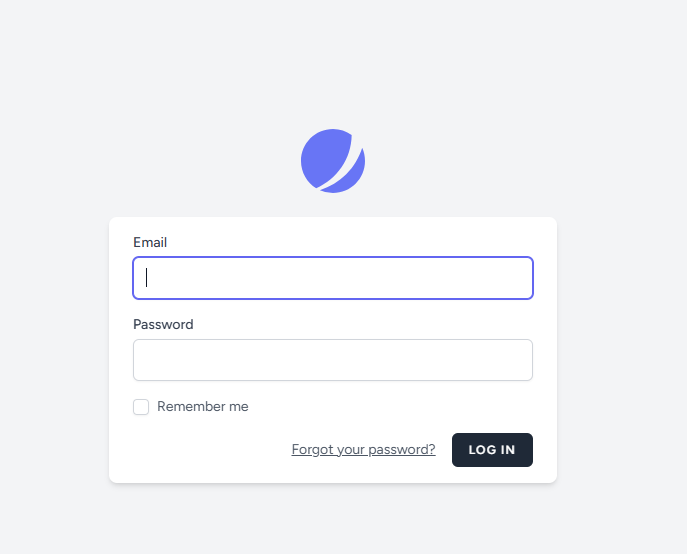
Once you've filled the fields, just clic "LOG IN". You will be logged into Iris and this screen will appear:
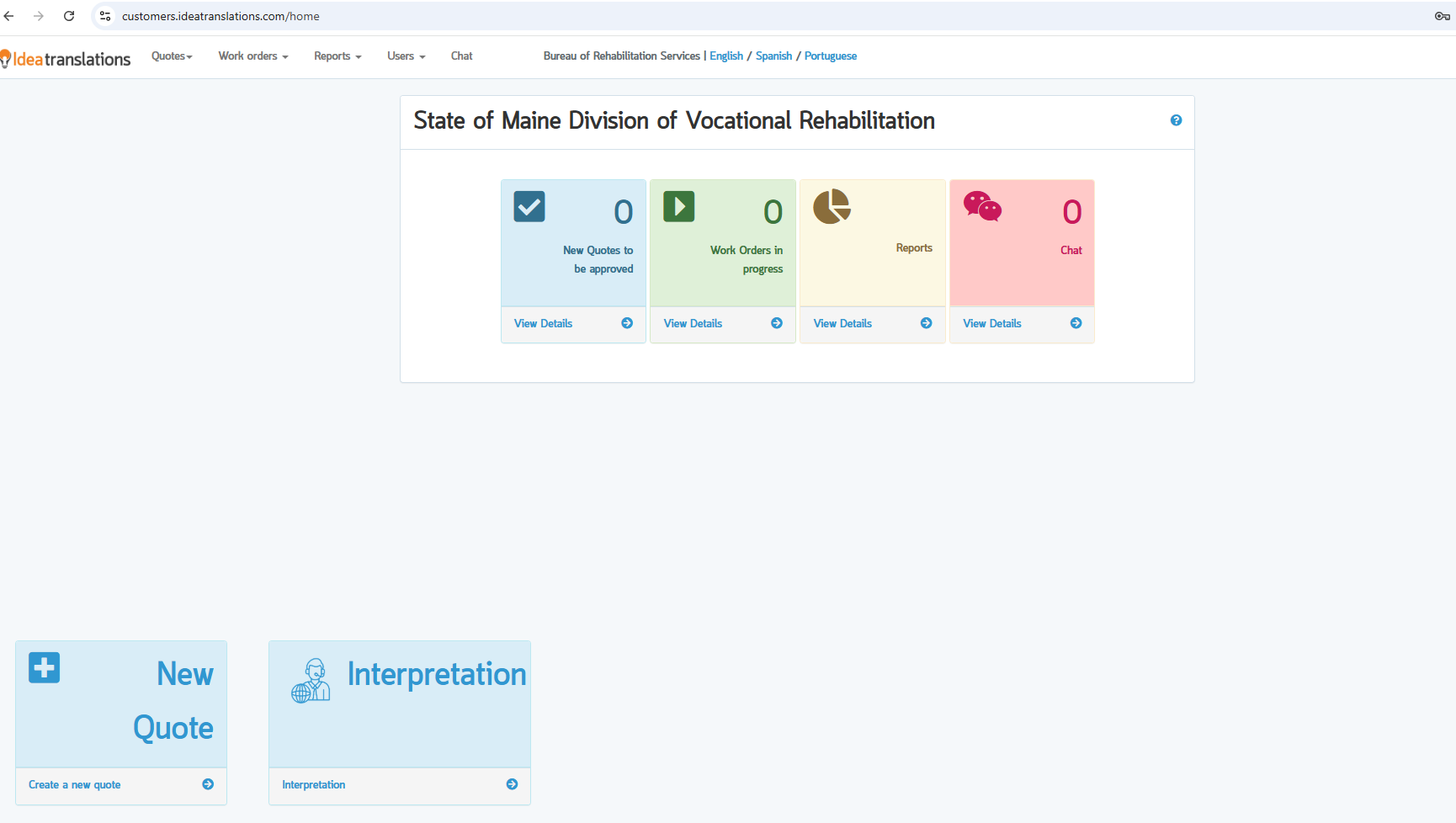
Using Iris you'll be able to ask for document translation services (New Quote) or instant language access (Interpretation).
If you clic on "Interpretation", this screen will appear:
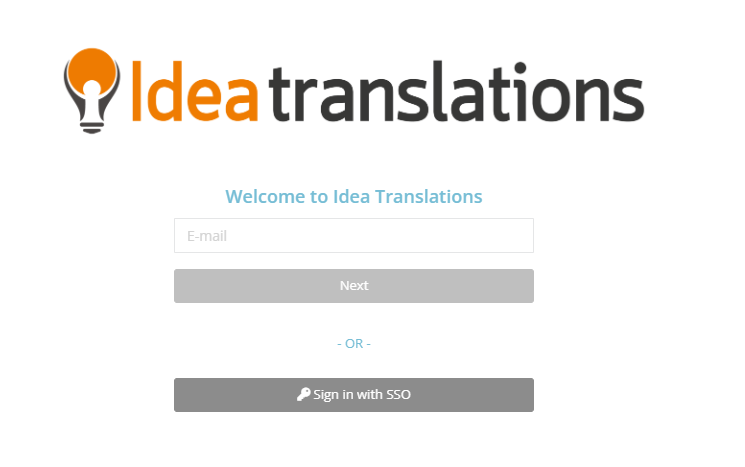
just complete your email. Then, clic on "Sign in with SSO". You should see your dashboard for Interpretation Services, as follows: